TEGE
The Enjin Game Engine
🚧 Under construction
A small, accessible game engine. Lighting that adapts to different hardware, elemental and weather systems, and accessibility features built in. Very early preview.
What TEGE Is
TEGE is
- A game engine with an editor, rendering, physics, scripting, audio, and export in one place
- Meant for small 2D games up to 3D ones
- Lighting that adapts to the hardware you have
- Working on accessibility: colorblind modes, screen reader, switch access, dyslexia mode
- Free to download during the preview
TEGE is not
- A Unity or Unreal replacement: it is focused, not a do-everything tool
- Finished: this is an alpha preview with rough edges, and releases can change
- A team effort: it is built by one person
- Mobile or console ready yet: the focus is PC and web for now
License: TEGE is released under the Business Source License 1.1, which converts to Apache 2.0 after 4 years. Free to use for making and selling games.
Adapts to your hardware
Watches the framerate as a game runs and adjusts to keep it smooth, on a desktop or a handheld. Shadows, effects, resolution, and detail scale up when there is room and ease off when there is not.
Adaptive quality
Tunes shadows, particles, resolution, and level of detail to hold a target framerate.
Light fallback
The most important lights stay sharp. The rest switch to a lighter technique to keep busy scenes running on weaker hardware.
Made for real hardware
Built with handhelds, laptops, and the web in mind, not just high-end PCs.
Elemental and weather systems
Fire, water, earth, and air are one connected system that reacts to wind, weather, and the seasons. Fire casts its own light into the scene.
Elements that interact
Fire, water, earth, and air share one simulation and influence one another.
Weather and seasons
Rain, snow, fog, and storms tie into wind and a seasonal cycle.
Light from the world
Fire and effects light the scene and the air around them, not just flat surfaces.
Accessibility
Players can change how they see, hear, and control a game.
Vision
Colorblind correction (8 modes), high contrast themes, font scaling, and colorblind-safe palettes.
Motor
Remappable input, one-handed presets, dwell-click, sticky drag, and switch access.
Cognitive
Dyslexia mode with the OpenDyslexic font and spacing adjustments, reduced motion, and content warnings.
Communication
Screen reader support, configurable subtitles with speaker labels, and audio-visual indicators.
Built to make things simply
Open the editor, pick a template, drop something in, and press play. Importing assets is drag and drop. Input is remappable by default. When you are ready, you can ship to Windows or straight to the browser.
A friendly editor
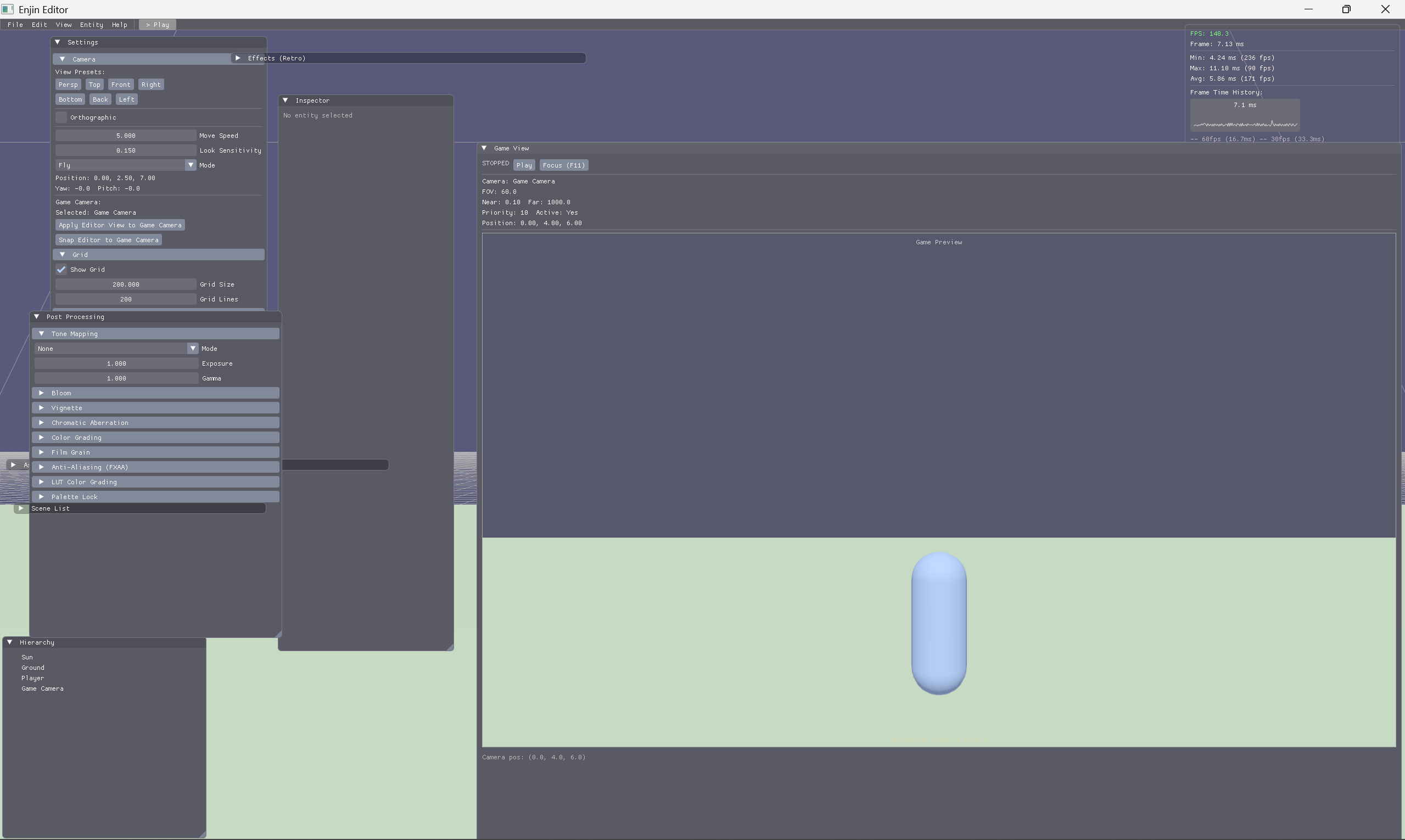
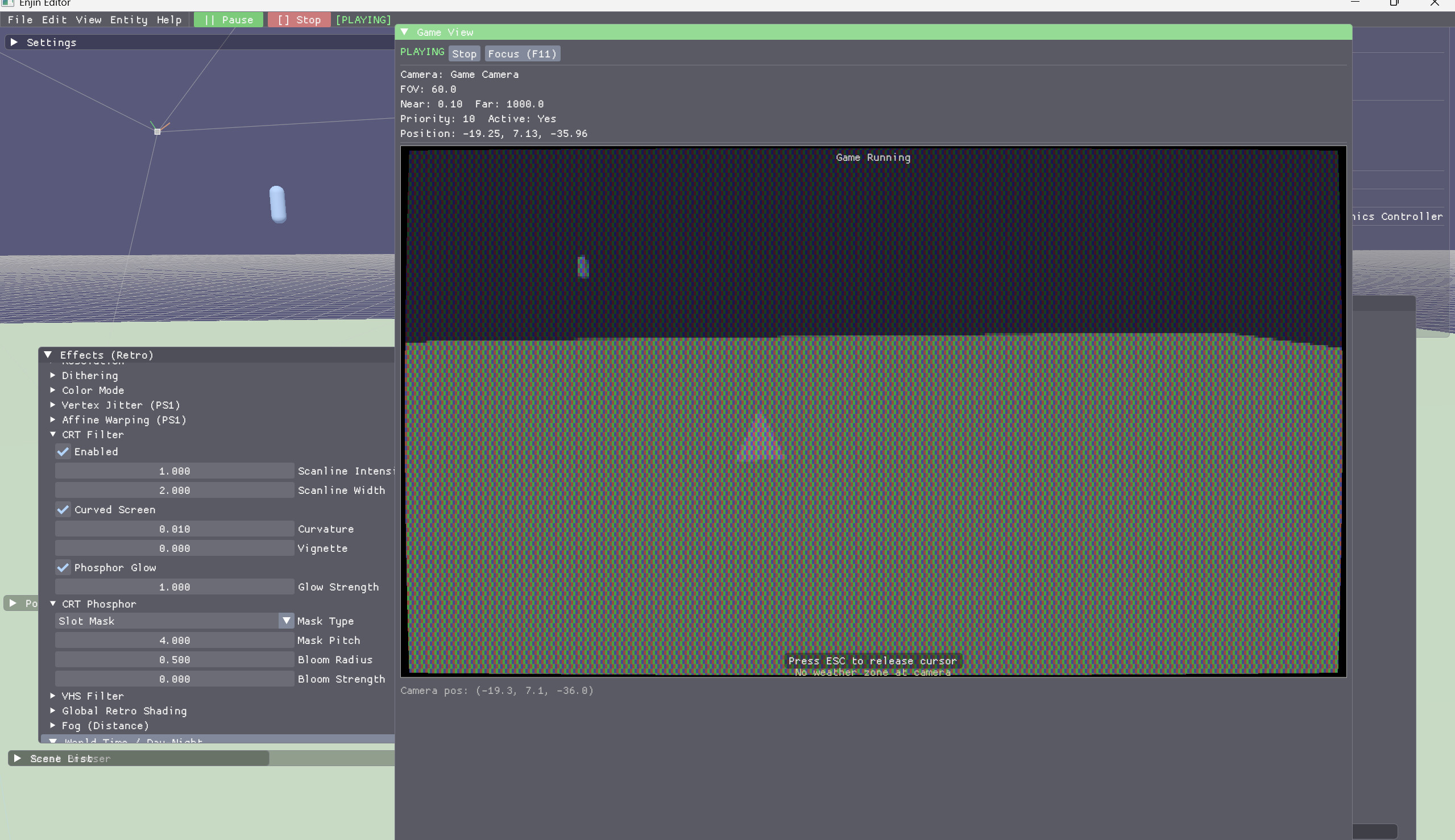
Hierarchy, inspector, play mode, undo and redo, a command palette, and starter templates to begin from.
Drag and drop
Bring in meshes, textures, and animations by dropping them into the editor.
Input that's ready to go
Design your controls, bind them, ship them. Keyboard, mouse, and gamepad are supported out of the box and remappable, so players can change them.
Ship to PC and web
Windows and the browser are the focus for now. Make a desktop game or publish to the web from the same project.
Screenshots
Getting Started
What you need
- Windows 10 or 11 (64-bit)
- A graphics card with Vulkan 1.3 support
- 4 GB RAM
- A few hundred MB of disk space
Quick start (10 minutes)
- Download the TEGE preview from itch.io or GitHub Releases
- Extract the ZIP to any folder
- Run the editor
- Pick a template from the starters
- Place something, add a component, and press Play
Want to build it yourself?
TEGE is open and you can build it from source with CMake and a C++20 compiler. The build guide walks through it step by step for Windows and Linux.
For the full walkthrough, component reference, and scripting, see the User Manual.
Ready to try it?
Free to use under the Business Source License 1.1.
You can make and sell games with it.
0.9.6 Preview · Windows x64