Coyote Time
A brief grace period after walking off a ledge where you can still jump. Named for Wile E. Coyote, who doesn't fall until he looks down.
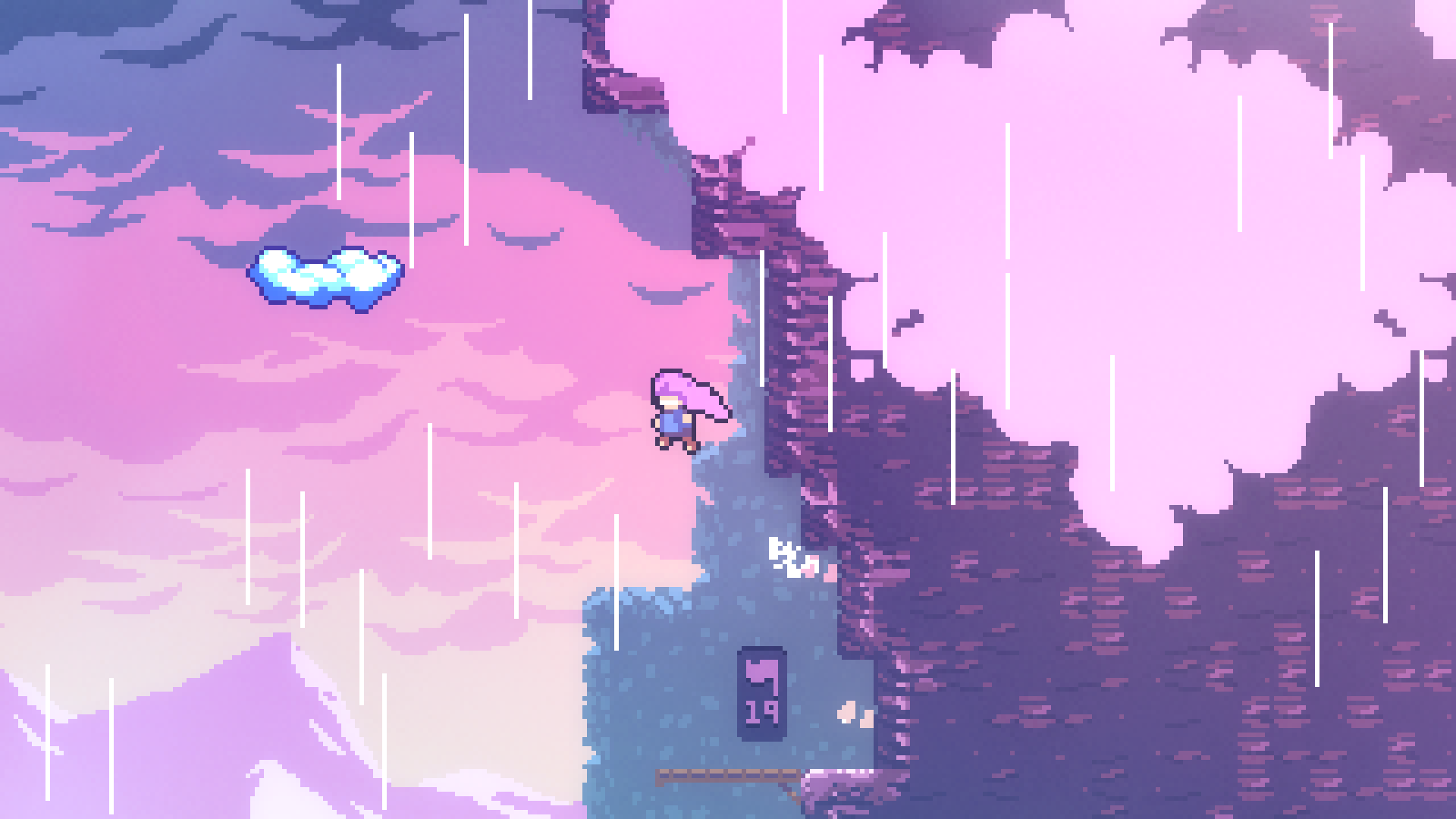
The Feel
Coyote time is invisible forgiveness. Players don't notice when it helps them - they just feel like the videogame is fair. Without it, players constantly "miss" jumps they thought they made.
This is "player fair" vs. "computer fair." The computer knows exactly when you left the ground. The player doesn't. Coyote time bridges that gap.
Exposed Variables
| Variable | Type | Default | What it does |
|---|---|---|---|
coyoteTime |
float | 0.1 | Seconds after leaving ground when jump still works |
Tuning Guide
For tight precision (hardcore):
coyoteTime= 0.05 - 0.08
Reference: Super Meat Boy
For accessible play:
coyoteTime= 0.1 - 0.15
Reference: Celeste
For casual/beginner-friendly:
coyoteTime= 0.15 - 0.2
Perspective Scripts
CoyoteJump2D.cs
2D jump with built-in coyote time. Allows jumping briefly after walking off a ledge.
Setup:
- Add
Rigidbody2Dto your player - Create a child "GroundCheck" at the feet
- Add this script and configure in Inspector
CoyoteJump2D.cs
using UnityEngine;

/// <summary>
/// COYOTE JUMP 2D - Jump with grace period after leaving ledge
/// VG101 Code Bank - Requires InputReader from Input Setup
/// </summary>
[RequireComponent(typeof(Rigidbody2D))]
public class CoyoteJump2D : MonoBehaviour
{
    [Header("Jump Feel")]
    [Range(5f, 25f)]
    [SerializeField] private float jumpForce = 12f;

    [Range(20f, 80f)]
    [SerializeField] private float gravity = 40f;

    [Range(1f, 4f)]
    [SerializeField] private float fallGravityMultiplier = 1.5f;

    [Header("Coyote Time")]
    [Tooltip("Seconds after leaving ground when jump still works")]
    [Range(0.01f, 0.3f)]
    [SerializeField] private float coyoteTime = 0.1f;

    [Header("Ground Detection")]
    [SerializeField] private Transform groundCheckPoint;
    [Range(0.05f, 0.5f)]
    [SerializeField] private float groundCheckRadius = 0.2f;
    [SerializeField] private LayerMask groundLayer;

    [Header("Debug")]
    [SerializeField] private bool showGroundCheck = true;
    [SerializeField] private bool debugCoyote = false;

    private Rigidbody2D rb;
    private float verticalVelocity;
    private bool isGrounded;
    private bool wasGrounded;
    private float coyoteTimer;
    private bool usedCoyoteJump;

    private void Awake()
    {
        rb = GetComponent<Rigidbody2D>();
        rb.gravityScale = 0f;
    }

    private void OnEnable()
    {
        if (InputReader.Instance != null)
        {
            InputReader.Instance.OnJumpPressed += HandleJump;
        }
    }

    private void OnDisable()
    {
        if (InputReader.Instance != null)
        {
            InputReader.Instance.OnJumpPressed -= HandleJump;
        }
    }

    private void FixedUpdate()
    {
        wasGrounded = isGrounded;
        CheckGrounded();
        HandleCoyoteTime();
        ApplyGravity();
        ApplyVelocity();
    }

    private void CheckGrounded()
    {
        isGrounded = Physics2D.OverlapCircle(
            groundCheckPoint.position,
            groundCheckRadius,
            groundLayer
        );

        if (isGrounded && verticalVelocity < 0)
        {
            verticalVelocity = 0f;
            usedCoyoteJump = false;
        }
    }

    private void HandleCoyoteTime()
    {
        // Just walked/fell off edge (not jumped off)
        if (wasGrounded && !isGrounded && verticalVelocity <= 0)
        {
            coyoteTimer = coyoteTime;
            if (debugCoyote) Debug.Log("Coyote time started!");
        }

        if (coyoteTimer > 0)
        {
            coyoteTimer -= Time.fixedDeltaTime;
        }
    }

    private bool CanJump()
    {
        if (isGrounded) return true;
        if (coyoteTimer > 0 && !usedCoyoteJump) return true;
        return false;
    }

    private void HandleJump()
    {
        if (CanJump())
        {
            verticalVelocity = jumpForce;

            if (!isGrounded)
            {
                usedCoyoteJump = true;
                coyoteTimer = 0;
                if (debugCoyote) Debug.Log("COYOTE JUMP!");
            }
        }
    }

    private void ApplyGravity()
    {
        if (!isGrounded)
        {
            float gravityThisFrame = gravity;
            if (verticalVelocity < 0)
            {
                gravityThisFrame *= fallGravityMultiplier;
            }
            verticalVelocity -= gravityThisFrame * Time.fixedDeltaTime;
        }
    }

    private void ApplyVelocity()
    {
        Vector2 velocity = rb.linearVelocity;
        velocity.y = verticalVelocity;
        rb.linearVelocity = velocity;
    }

    private void OnDrawGizmos()
    {
        if (showGroundCheck && groundCheckPoint != null)
        {
            Gizmos.color = isGrounded ? Color.green : Color.red;
            Gizmos.DrawWireSphere(groundCheckPoint.position, groundCheckRadius);
        }
    }
}
CoyoteJump3D.cs
3D jump with coyote time. Works for third-person, first-person, and isometric - just integrate with your camera/movement system.
Setup:
- Add
CharacterControllerto your player - Add this script and configure in Inspector
- Integrate with your existing movement script or use the built-in movement
CoyoteJump3D.cs
using UnityEngine;

/// <summary>
/// COYOTE JUMP 3D - Jump with grace period for all 3D perspectives
/// VG101 Code Bank - Requires InputReader from Input Setup
/// Works with CharacterController for third-person, FPS, or isometric
/// </summary>
[RequireComponent(typeof(CharacterController))]
public class CoyoteJump3D : MonoBehaviour
{
    [Header("Jump Feel")]
    [Range(5f, 25f)]
    [SerializeField] private float jumpForce = 10f;

    [Range(20f, 80f)]
    [SerializeField] private float gravity = 30f;

    [Range(1f, 4f)]
    [SerializeField] private float fallGravityMultiplier = 2f;

    [Header("Coyote Time")]
    [Tooltip("Seconds after leaving ground when jump still works")]
    [Range(0.01f, 0.3f)]
    [SerializeField] private float coyoteTime = 0.1f;

    [Header("Ground Detection")]
    [SerializeField] private Vector3 groundCheckOffset = new Vector3(0, -0.9f, 0);
    [SerializeField] private float groundCheckRadius = 0.3f;
    [SerializeField] private LayerMask groundLayer;

    [Header("Movement (Optional)")]
    [SerializeField] private float moveSpeed = 8f;
    [Range(0f, 1f)]
    [SerializeField] private float airControl = 0.5f;
    [SerializeField] private bool useBuiltInMovement = true;

    [Header("Debug")]
    [SerializeField] private bool showGroundCheck = true;
    [SerializeField] private bool debugCoyote = false;

    private CharacterController controller;
    private Vector3 velocity;
    private bool isGrounded;
    private bool wasGrounded;
    private float coyoteTimer;
    private bool usedCoyoteJump;
    private Transform cameraTransform;

    private void Awake()
    {
        controller = GetComponent<CharacterController>();
        cameraTransform = Camera.main?.transform;
    }

    private void OnEnable()
    {
        if (InputReader.Instance != null)
        {
            InputReader.Instance.OnJumpPressed += HandleJump;
        }
    }

    private void OnDisable()
    {
        if (InputReader.Instance != null)
        {
            InputReader.Instance.OnJumpPressed -= HandleJump;
        }
    }

    private void Update()
    {
        wasGrounded = isGrounded;
        CheckGrounded();
        HandleCoyoteTime();

        if (useBuiltInMovement)
        {
            HandleMovement();
        }

        ApplyGravity();
        ApplyVelocity();
    }

    private void CheckGrounded()
    {
        Vector3 checkPosition = transform.position + groundCheckOffset;
        isGrounded = Physics.CheckSphere(checkPosition, groundCheckRadius, groundLayer);

        if (isGrounded && velocity.y < 0)
        {
            velocity.y = -2f;
            usedCoyoteJump = false;
        }
    }

    private void HandleCoyoteTime()
    {
        // Just walked/fell off edge (not jumped off)
        if (wasGrounded && !isGrounded && velocity.y <= 0)
        {
            coyoteTimer = coyoteTime;
            if (debugCoyote) Debug.Log("Coyote time started!");
        }

        if (coyoteTimer > 0)
        {
            coyoteTimer -= Time.deltaTime;
        }
    }

    private void HandleMovement()
    {
        Vector2 input = InputReader.Instance != null ? InputReader.Instance.MoveInput : Vector2.zero;

        // Camera-relative movement
        Vector3 forward = cameraTransform != null ? cameraTransform.forward : transform.forward;
        Vector3 right = cameraTransform != null ? cameraTransform.right : transform.right;
        forward.y = 0f;
        right.y = 0f;
        forward.Normalize();
        right.Normalize();

        Vector3 moveDirection = (forward * input.y + right * input.x);

        float currentSpeed = isGrounded ? moveSpeed : moveSpeed * airControl;
        velocity.x = moveDirection.x * currentSpeed;
        velocity.z = moveDirection.z * currentSpeed;

        if (moveDirection.magnitude > 0.1f)
        {
            Quaternion targetRotation = Quaternion.LookRotation(moveDirection);
            transform.rotation = Quaternion.Slerp(transform.rotation, targetRotation, 10f * Time.deltaTime);
        }
    }

    private bool CanJump()
    {
        if (isGrounded) return true;
        if (coyoteTimer > 0 && !usedCoyoteJump) return true;
        return false;
    }

    private void HandleJump()
    {
        if (CanJump())
        {
            velocity.y = jumpForce;

            if (!isGrounded)
            {
                usedCoyoteJump = true;
                coyoteTimer = 0;
                if (debugCoyote) Debug.Log("COYOTE JUMP!");
            }
        }
    }

    private void ApplyGravity()
    {
        if (!isGrounded)
        {
            float gravityThisFrame = gravity;
            if (velocity.y < 0)
            {
                gravityThisFrame *= fallGravityMultiplier;
            }
            velocity.y -= gravityThisFrame * Time.deltaTime;
        }
    }

    private void ApplyVelocity()
    {
        controller.Move(velocity * Time.deltaTime);
    }

    // Call this from external movement scripts if not using built-in movement
    public void SetHorizontalVelocity(Vector3 horizontalVelocity)
    {
        velocity.x = horizontalVelocity.x;
        velocity.z = horizontalVelocity.z;
    }

    private void OnDrawGizmos()
    {
        if (showGroundCheck)
        {
            Vector3 checkPosition = transform.position + groundCheckOffset;
            Gizmos.color = isGrounded ? Color.green : Color.red;
            Gizmos.DrawWireSphere(checkPosition, groundCheckRadius);
        }
    }
}
Integration Notes
If you have your own movement script:
- Set
useBuiltInMovementto false - Call
SetHorizontalVelocity()from your movement script each frame - The coyote time and vertical velocity are handled automatically
Key Implementation Details
- wasGrounded tracking: Compare current vs. last frame to detect leaving ground
- Only on passive exit: Coyote only starts if velocity <= 0 (walking off, not jumping off)
- usedCoyoteJump flag: Prevents using coyote time twice in one airtime
- Timer reset on jump: Once used, it's gone
The Complete Forgiveness Package
| Technique | What it forgives |
|---|---|
| Coyote Time | Pressing jump slightly AFTER leaving edge |
| Input Buffer | Pressing jump slightly BEFORE landing |
| Both together | Nearly all "unfair" missed jumps |
Common Issues
"Player can double jump with coyote time"
You're not resetting the timer after jump or triggering coyote on jump. Only trigger when leaving ground passively.
"It feels like I can jump in mid-air"
coyoteTime is too long. Keep it under 0.15 for most videogames.
Combine With
- Input Buffer - catches jumps pressed early; coyote catches jumps pressed late
- Variable Jump - coyote time works great with variable height
Why Teach This
Coyote time is the perfect introduction to player-fair design. It's simple to implement but teaches a profound lesson: what the computer knows and what the player experiences are different things.
Teaching Sequence
- Have students play a platformer without coyote time - note frustrations
- Add coyote time - notice how complaints disappear
- Make coyote time too long (0.5s) - notice how it breaks immersion
- Find the sweet spot where it helps without being noticed
The Key Insight
The best player-fair techniques are invisible. Players don't thank you for coyote time - they just don't complain about unfair deaths.
Assessment Questions
- Why is the best coyote time invisible to players?
- What's the difference between "player fair" and "computer fair"?
- Why does coyote time pair well with input buffering?
Heritage Notes
Coyote time wasn't named until the 2010s, but the technique is much older. Early platformers often had generous ground detection that produced the same effect accidentally.
The name comes from the Looney Tunes trope where Wile E. Coyote runs off a cliff and hangs in the air until he looks down.
Player Fair vs. Computer Fair
- Computer fair: Rules applied exactly. You left the ground at frame 47; you cannot jump after frame 47.
- Player fair: Rules feel fair. If they intended to jump at the edge, respect that intent.
Coyote time is the videogame lying to be kind.
The Permissions Angle
From a Permissions perspective, coyote time expands what's allowed. It says: "You're allowed to jump for 0.1 seconds after leaving the ground." This permission is hidden but shapes their experience of fairness.
Related
- Input Buffer - the other half of jump forgiveness
- Variable Jump - pairs well with coyote time
- Input Setup - required InputReader system