Guidance Without Hand-Holding
The best videogames teach you everything you need without making you feel taught. You discover; you're not told. You figure it out; you're not shown the answer.
This is guidance without hand-holding: creating conditions for learning without removing the satisfaction of learning.
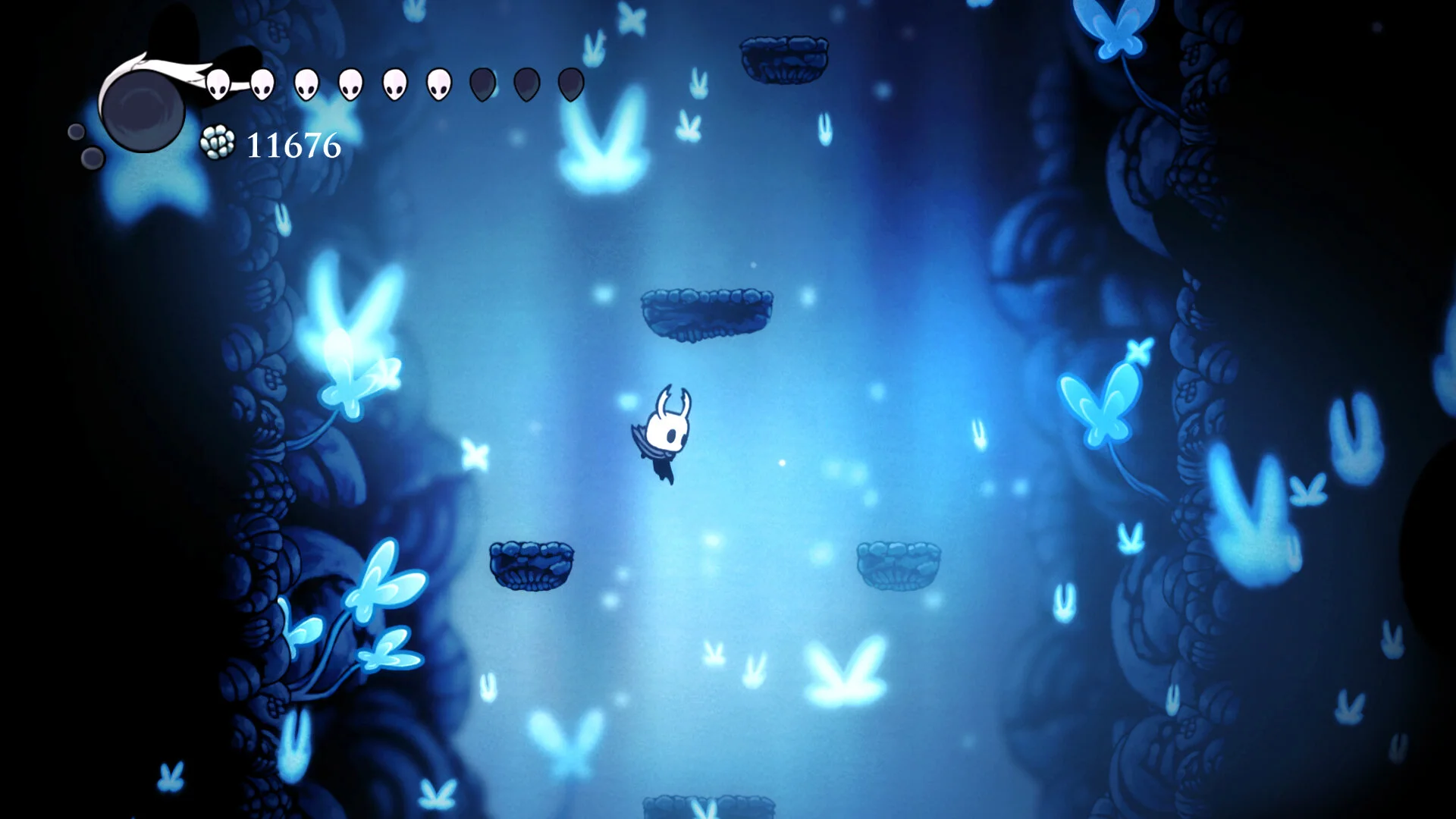
The Hand-Holding Problem
Hand-holding damages the player experience:
- Removes discovery: If the videogame tells you where the secret is, it's not a secret
- Undercuts mastery: If the solution is given, solving it isn't an achievement
- Breaks immersion: Tutorial prompts remind you you're playing a videogame
- Insults intelligence: "Press A to jump" to a player who has jumped in 100 videogames
But insufficient guidance damages it too:
- Frustration: Players stuck without knowing why
- Abandonment: Players quit rather than guess
- Missed content: Players don't know features exist
The goal is guidance that doesn't feel like guidance.
Principles
Teach Through Play
The best tutorial is a level designed so the correct action is the natural action.
Portal: First room has one exit. The portal is already there. You walk through it. Tutorial complete.
Establish Then Test
Introduce a concept in a safe environment, then test it with stakes.
Mega Man: First encounter with a new enemy is usually in a safe spot. Later encounters are over pits.
Progressive Disclosure
Don't teach everything at once. Introduce complexity as the player demonstrates readiness.
Zelda: Breath of the Wild: Great Plateau teaches core systems before releasing you to the world.
Failure as Teaching
Let players fail in low-stakes ways that teach the lesson.
Dark Souls: You're supposed to die to the first boss. The death teaches that death is part of the videogame.
Consistent Rules
If the player understands the rules, they can reason from them. Consistent rules reduce hand-holding needs.
Baba Is You: Rules are explicitly stated on screen. Everything follows from them.
Techniques
Environmental Cues
Use space, light, color, and objects to suggest correct action. (See: Spatial Communication)
Gated Learning
Put a skill-gate where the player can't proceed until they've demonstrated understanding.
Observational Learning
Show NPCs or enemies doing the thing before the player must do it.
Safe Experimentation Zones
Spaces where the player can try things without consequence.
Just-in-Time Information
Provide information at the moment of need, not before.
Optional Hints
Hints that the player can access if stuck, but aren't forced on them. Preserves player agency.
The Tooltip Problem
Tooltips, button prompts, and tutorial pop-ups work - but at a cost:
| Pro | Con |
|---|---|
| Clear, unambiguous | Breaks immersion |
| Accessible | Can feel patronizing |
| Localization-friendly | Clutters screen |
| Doesn't require level design for teaching | Doesn't use level design for teaching |
The best videogames minimize explicit instruction. But when necessary, make it:
- Skippable for experienced players
- Contextual (appears when relevant)
- Brief (don't overexplain)
- Diegetic if possible (character speech, in-world signs)
Onboarding vs. Ongoing Teaching
Onboarding: Teaching new players the basics. First hour. Can be more explicit.
Ongoing: Teaching new systems mid-game. Should feel like discovery.
The tolerance for hand-holding decreases as the videogame progresses. Early prompts are expected; mid-game prompts are intrusive.
Reading Player Skill
Videogames can adapt guidance to player skill:
- Death count: Many deaths = add hints
- Time stuck: Long time in one area = offer help
- Explicit setting: "Show hints" option in menu
- Behavioral analysis: Player isn't using a mechanic = prompt about it
Resident Evil 4 adjusts difficulty based on performance, invisibly. Celeste offers explicit assist mode. Both respect the player.
See Also
- Spatial Communication - using space to teach
- Gesture - how actions communicate meaning
- Debugging as Literacy - learning through failure
Glossary Connections
- Gating - blocking progress until skill is demonstrated
- Diegetic UI - information that exists within the videogame world
- Progressive Disclosure - revealing complexity gradually
Teaching Notes
This topic is deeply connected to accessibility - guidance is an accessibility issue. Players with different backgrounds, abilities, and available time need different guidance.
Exercise: Blind Playtest
Have someone unfamiliar with the videogame play your prototype with no instruction. Watch silently. Where do they struggle? What did they miss?
Then: redesign to teach those things without adding explicit instruction.
Exercise: De-Tutorializing
Take a videogame with heavy tutorials. Redesign the first 10 minutes to teach the same things through level design, not text. What has to change?
Key Insight
Every tutorial prompt is a design failure - something that could have been communicated through play but wasn't. (This is purist and sometimes impractical, but it's a useful frame.)
Common Misconceptions
- "Players will figure it out." Some will, many won't. The question is whether the failure is theirs or yours.
- "Tutorials are always bad." Explicit instruction has its place, especially for accessibility. The goal is minimizing unnecessary prompts, not eliminating all guidance.
- "Hard videogames don't need tutorials." Dark Souls teaches constantly - just through death rather than text. Teaching and difficulty are orthogonal.
Assessment Approaches
- Blind playtest: Watch new players without intervening. Document where they struggle.
- Tutorial audit: List every explicit instruction in a prototype. For each, ask: could this be taught through design?
- Completion rates: Track where players abandon the videogame. Correlate with tutorial density.
Theoretical Background
Shigeru Miyamoto
Nintendo's design philosophy: players should figure things out. Mario and Zelda are masterclasses in implicit teaching.
Fumito Ueda
Ico and Shadow of the Colossus famously stripped out tutorials. Trust the player.
Keita Takahashi
Katamari Damacy teaches through scale and tactile feedback. You understand the size you need by feeling it, not reading it.
What This Framework Resists
The "accessibility means more prompts" assumption. Accessibility can mean better level design, not more tooltips. The most accessible teaching is the teaching that happens through play.
The "hardcore = no guidance" assumption. Dark Souls is famously hard but it does teach. It just teaches through death rather than text.
Unresolved Questions
- Accessibility tension: How do we balance teaching through design with accessibility needs for players who genuinely need explicit instruction?
- Cultural variation: Are players from different gaming traditions more or less tolerant of explicit guidance?
- Genre expectations: Some genres (puzzle games, strategy) may require more explicit information than others. Where's the line?